Romaji Converter
Type romaji and get hiragana or katakana instantly, or paste kana to convert it back to romaji. Tap to hear the pronunciation and copy in one click.
How to type Japanese in romaji
The converter reads romaji the way a Japanese keyboard does. Three small rules cover almost everything.
Long vowels
Spell the vowel out. Hold a sound for an extra beat by adding the vowel. In katakana mode, a hyphen becomes the long mark ー.
toukyou → とうきょう · ko-hi- → コーヒーDouble consonants
Double the letter to get the small tsu (っ), a short pause that doubles the next consonant.
kitte → きって · gakkou → がっこうThe ん sound
Type n before a consonant or at the end of a word. Add an apostrophe to force ん before a vowel.
nihon → にほん · hon'ya → ほんやNew to the scripts? Start with the hiragana chart and katakana chart, then test yourself with the kana quiz.
Reading is step one. Remembering is the app.
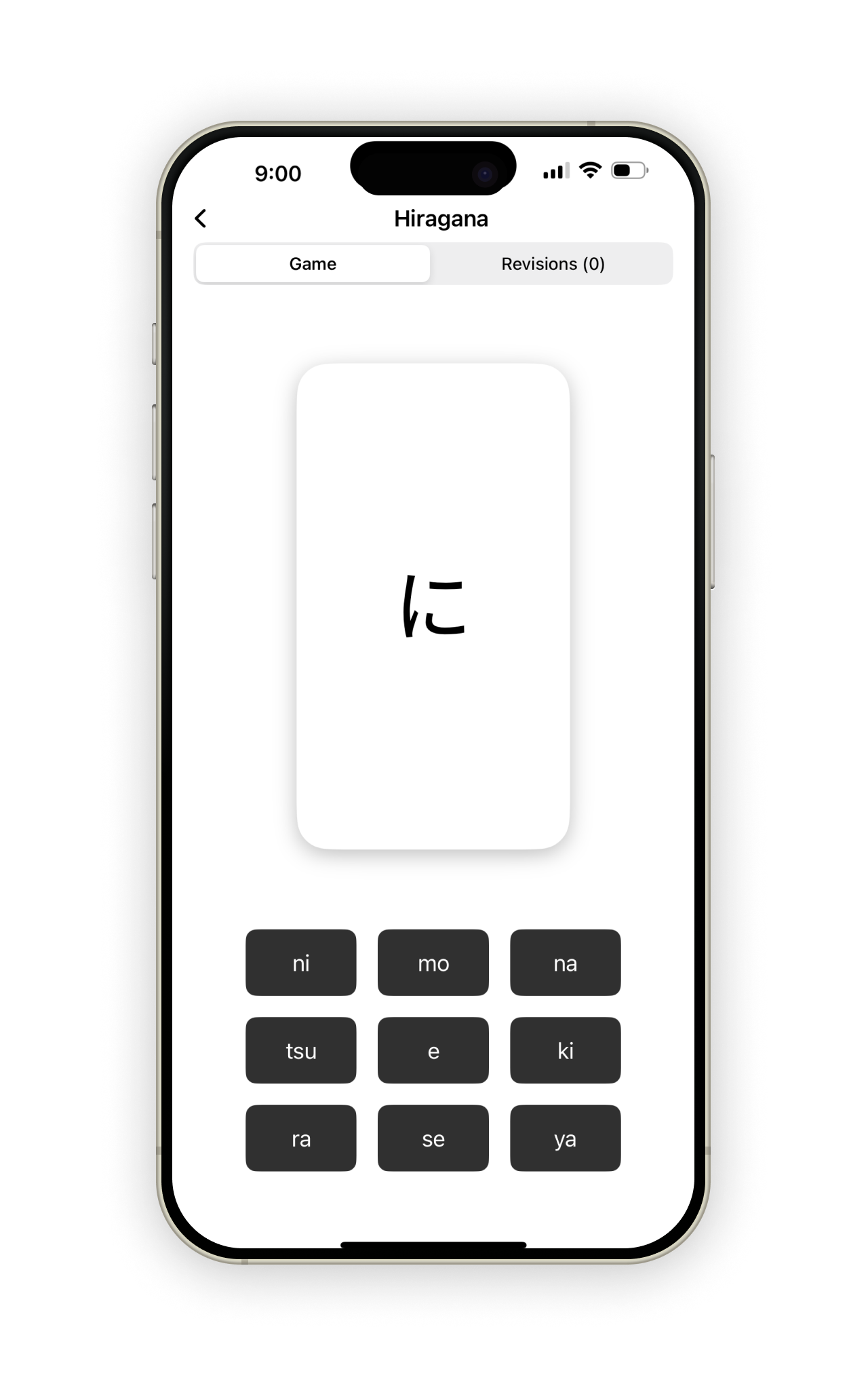
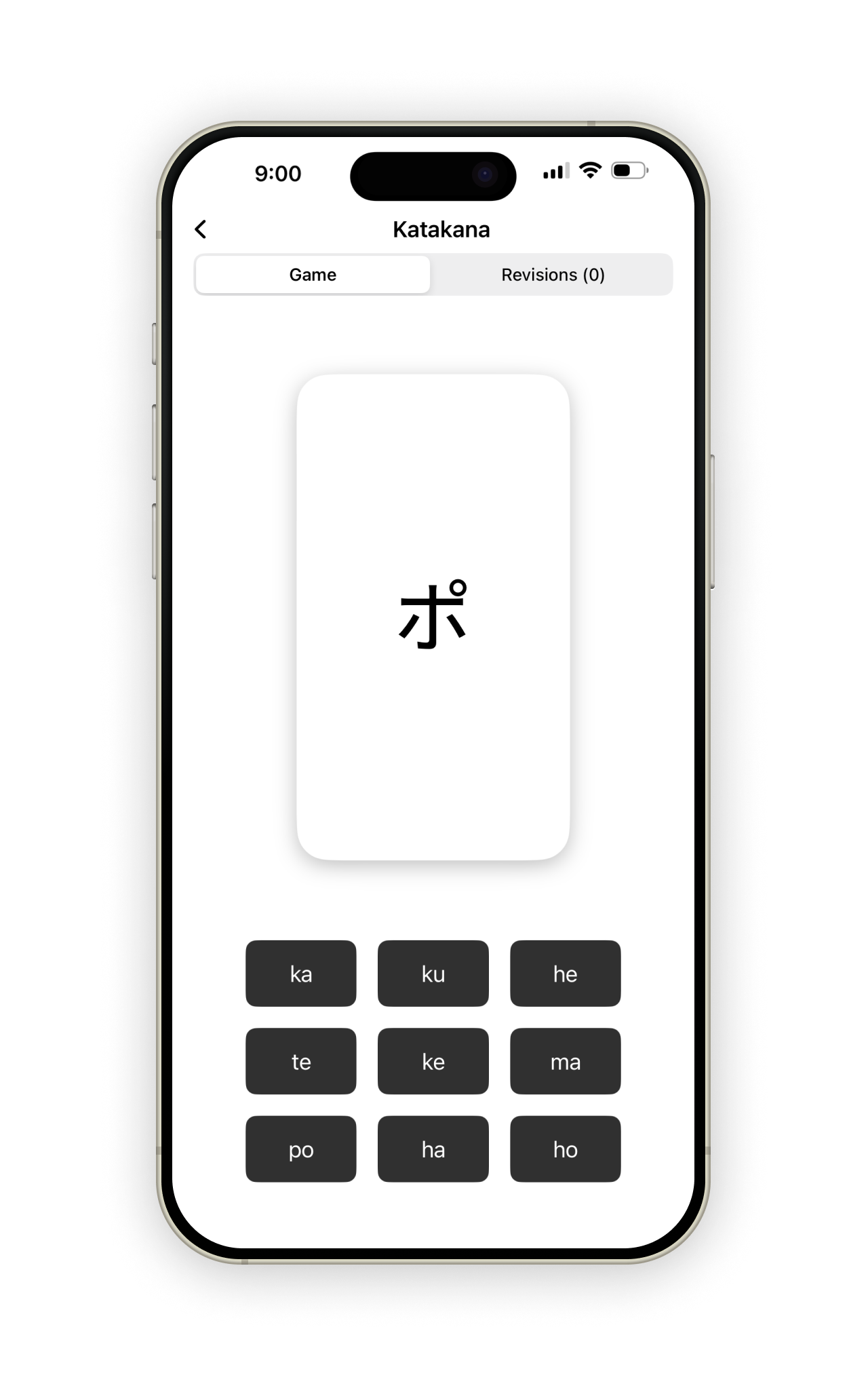
A converter turns letters into kana. Kanabloom makes the kana stick, with beautiful flashcards and smart revision that targets exactly the characters you keep getting wrong. Free to start on iPhone and iPad.
Download on theApp Store